- Tel: 0330 043 2964
- info@govirtualtours.co.uk
Venue Presentations
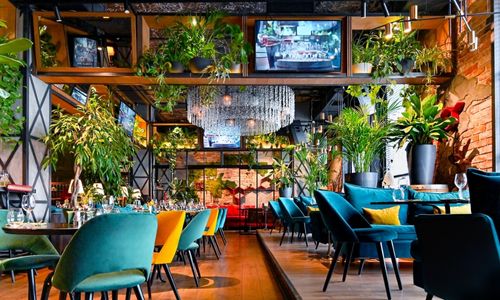
Introduce the setting of a hotel, event space or visitor destination during an arranged presentation.

Explore captured spaces through a compatible virtual reality headset.
VR viewing places the surrounding environment in your field of view, offering another way to experience the rooms and areas within a tour.
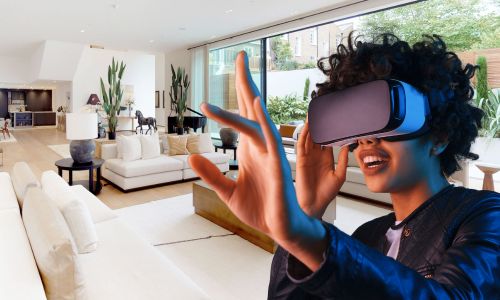
A headset experience can be useful when introducing a captured location to someone who is elsewhere.
Introduce the setting of a hotel, event space or visitor destination during an arranged presentation.
Give prospective residents or guests another way to look around selected captured spaces.
Help staff or visitors become familiar with the appearance of a location before attending.
Tell us how you intend to use VR so we can check the intended model and device combination.
Decide which spaces viewers should explore and whether the experience is for an event, presentation or individual use.
Confirm headset and browser compatibility, tour access and a suitable internet connection.
Run through the intended experience on the actual equipment before introducing it to your audience.
Tell us if headset viewing is a priority. We can assess the available options before agreeing the project scope. Headsets and event staffing are not included unless specified in your quotation.
Visitors can explore the standard web tour on a computer, tablet or phone without wearing a headset.
This makes the web experience a useful companion for people who prefer screen-based viewing.
Headset viewing has different controls and feature availability from the standard website experience.
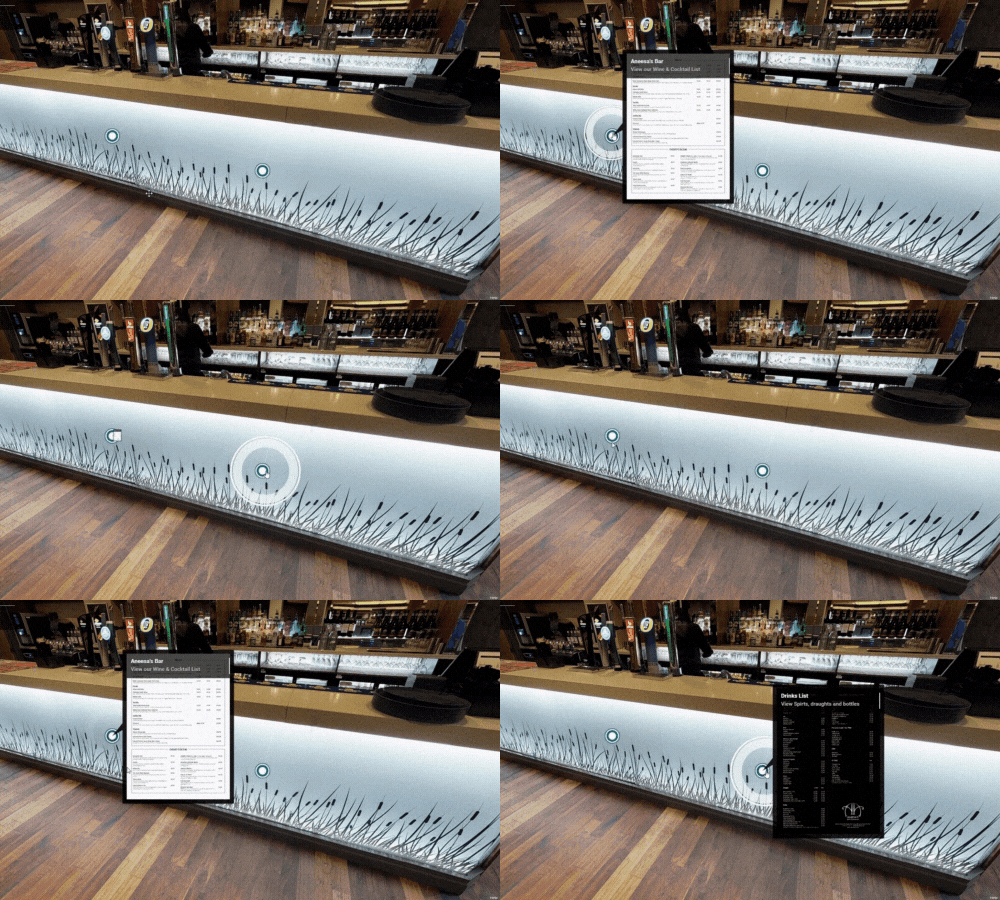
If your presentation relies on branded navigation, information tags, video or guided content, tell us so we can confirm a suitable approach.
No. A headset is needed for immersive VR viewing. The standard tour can also be explored through a compatible desktop or mobile browser.
Compatibility depends on the headset, browser and current platform support. Share the equipment you intend to use so we can check the proposed setup.
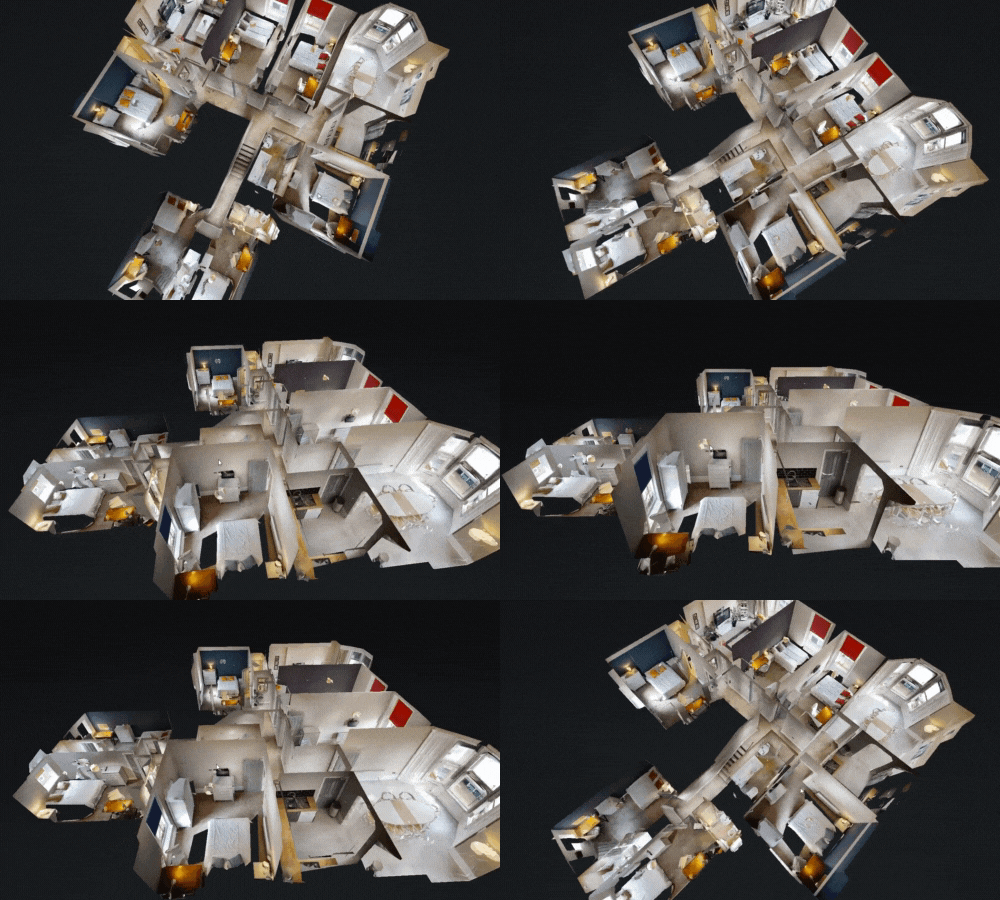
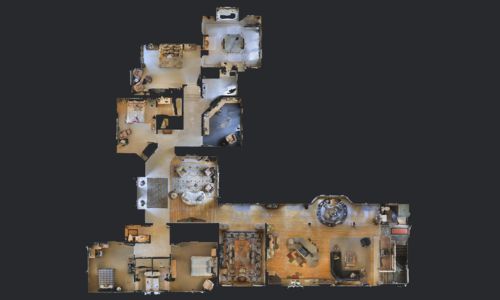
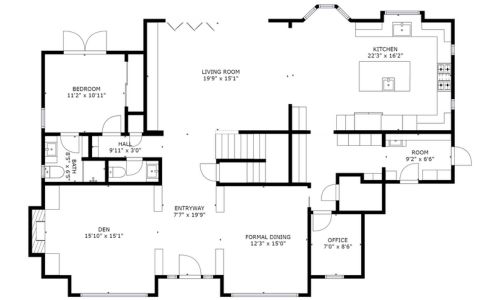
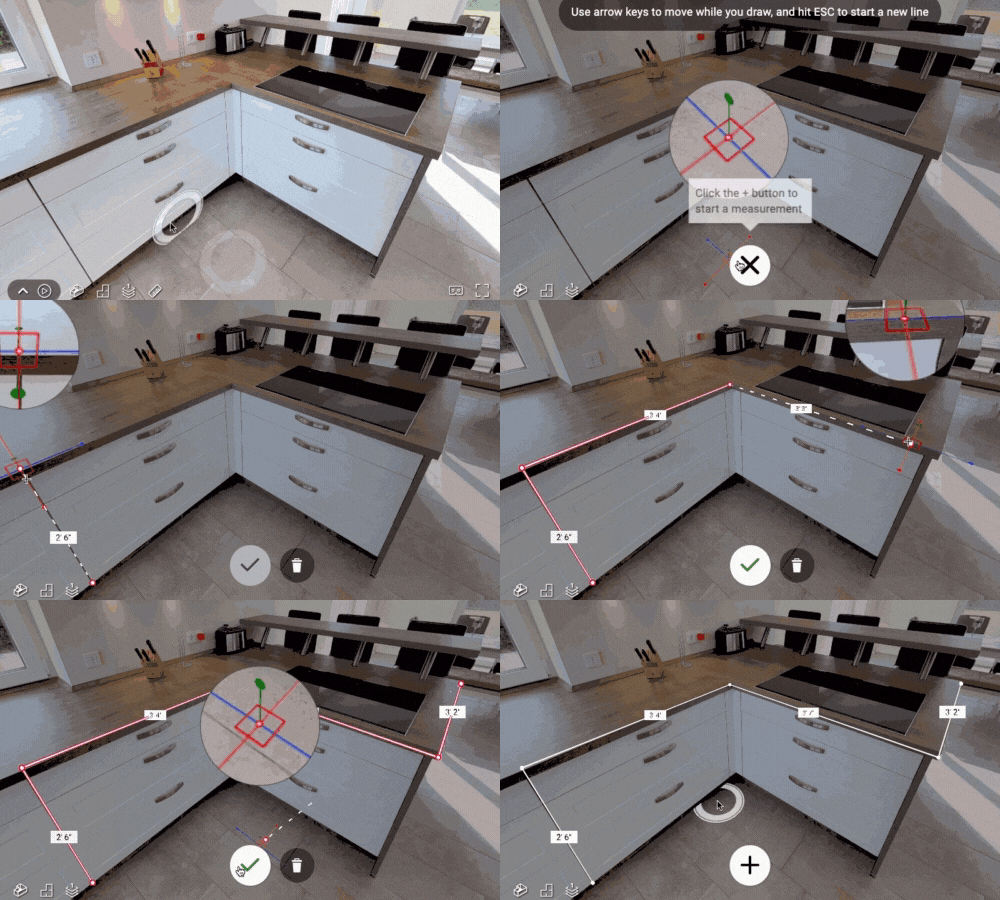
No. Native Matterport VR does not include tags, measurements, Floor Plan View or Dollhouse View. Custom overlays and media should be checked separately for the intended setup.
Potentially, yes. Plan the equipment, internet access and assistance needed for visitors, then test the complete setup before the event.
No. The experience uses the captured space. It does not reveal unscanned rooms or create new areas of the building.
Tell us about your space, audience and intended equipment.