- Tel: 0330 043 2964
- info@govirtualtours.co.uk
Avatar Explainers
Introduce your business through an on-screen presenter. Welcome visitors, explain a room or highlight a service at a relevant point in the tour.

Welcome visitors, guide their journey and add useful content to your Matterport tour.
Our Premium experience adds an interactive layer over the captured tour, with branding, presentation tools and your own client dashboard.
Explore how an avatar presenter and video content become part of the venue experience. Meet the avatar near the start, then continue into the reception area to discover the video wall.
Look out for the interactive features: meet the avatar near the start of the tour, then continue past it into the reception area to find the video wall.
Introduce your business through an on-screen presenter. Welcome visitors, explain a room or highlight a service at a relevant point in the tour.
Position video within the virtual environment to show events, demonstrations or your services in action.
Place text, photographs, videos, documents and useful links beside the areas they describe.
Give viewers the choice of exploring independently or following a planned route with audio introducing the experience.
Try the guided walkthrough: select the play button in the bottom-left corner of the tour. Turn your sound on to hear the accompanying audio.
Create a recognisable introduction, help visitors find important areas and connect them to your website.

Welcome visitors with a branded opening screen that introduces the tour and explains how to begin.
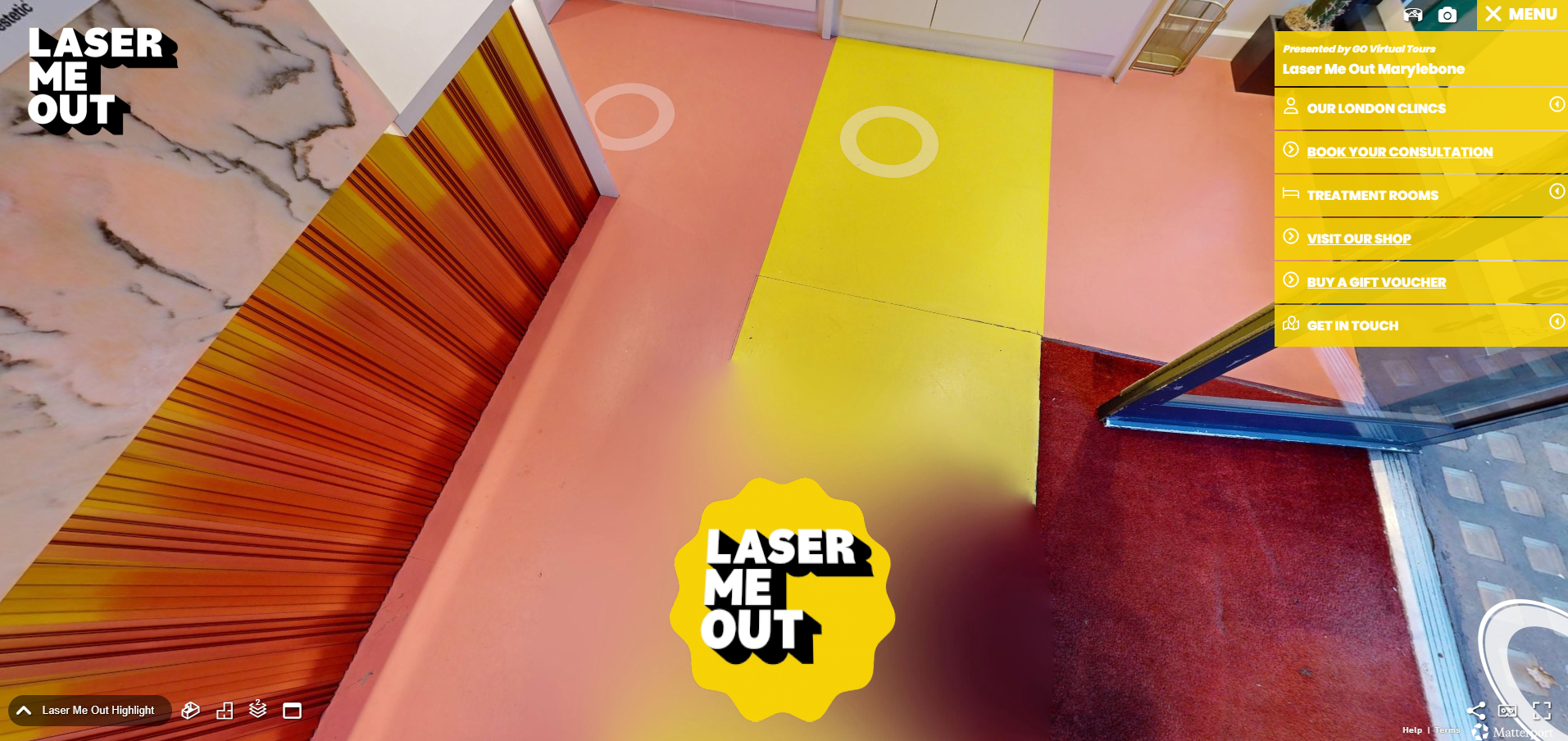
A nadir logo sits beneath the camera viewpoint, adding branding when visitors look down at a captured position.
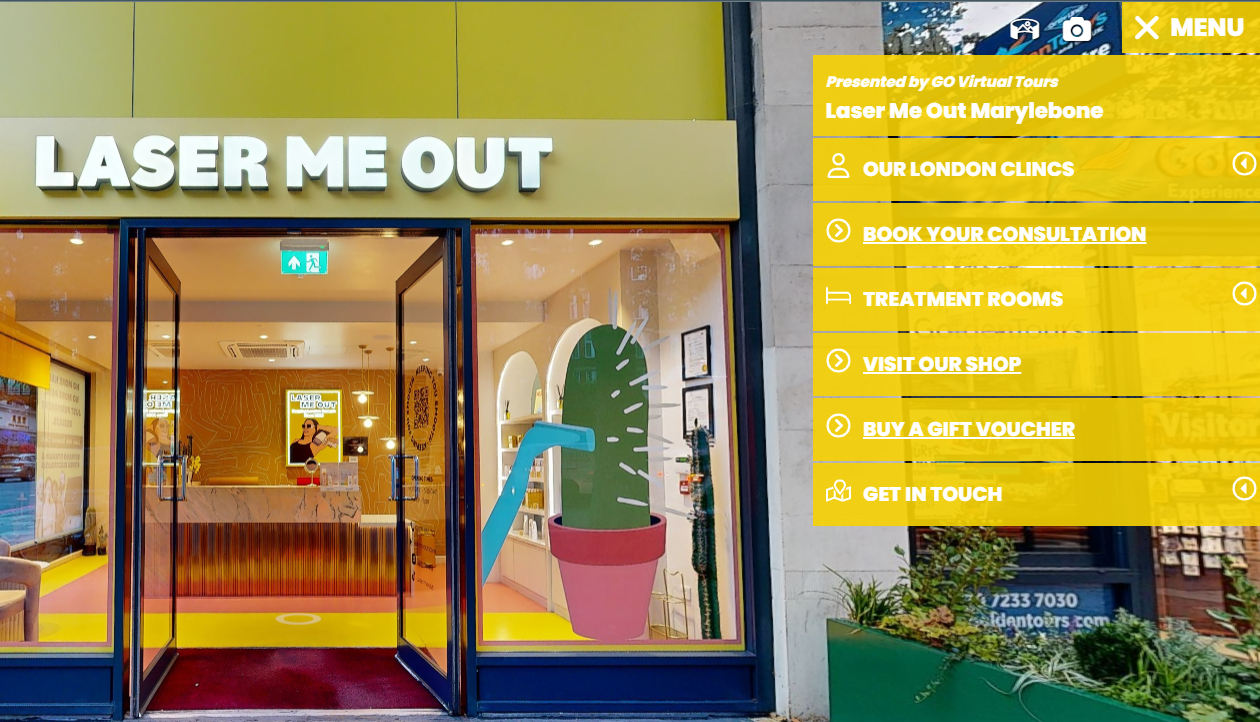
Organise rooms and facilities into a clear menu, with links to menus, booking pages and other useful destinations.
Open this example to see the entry experience, branding and navigation. Look down within the tour to find the under-camera logo.
Keep your tour useful after launch.
Access the enhanced dashboard to add and edit supported interactive content, update links and manage the features available within your package.
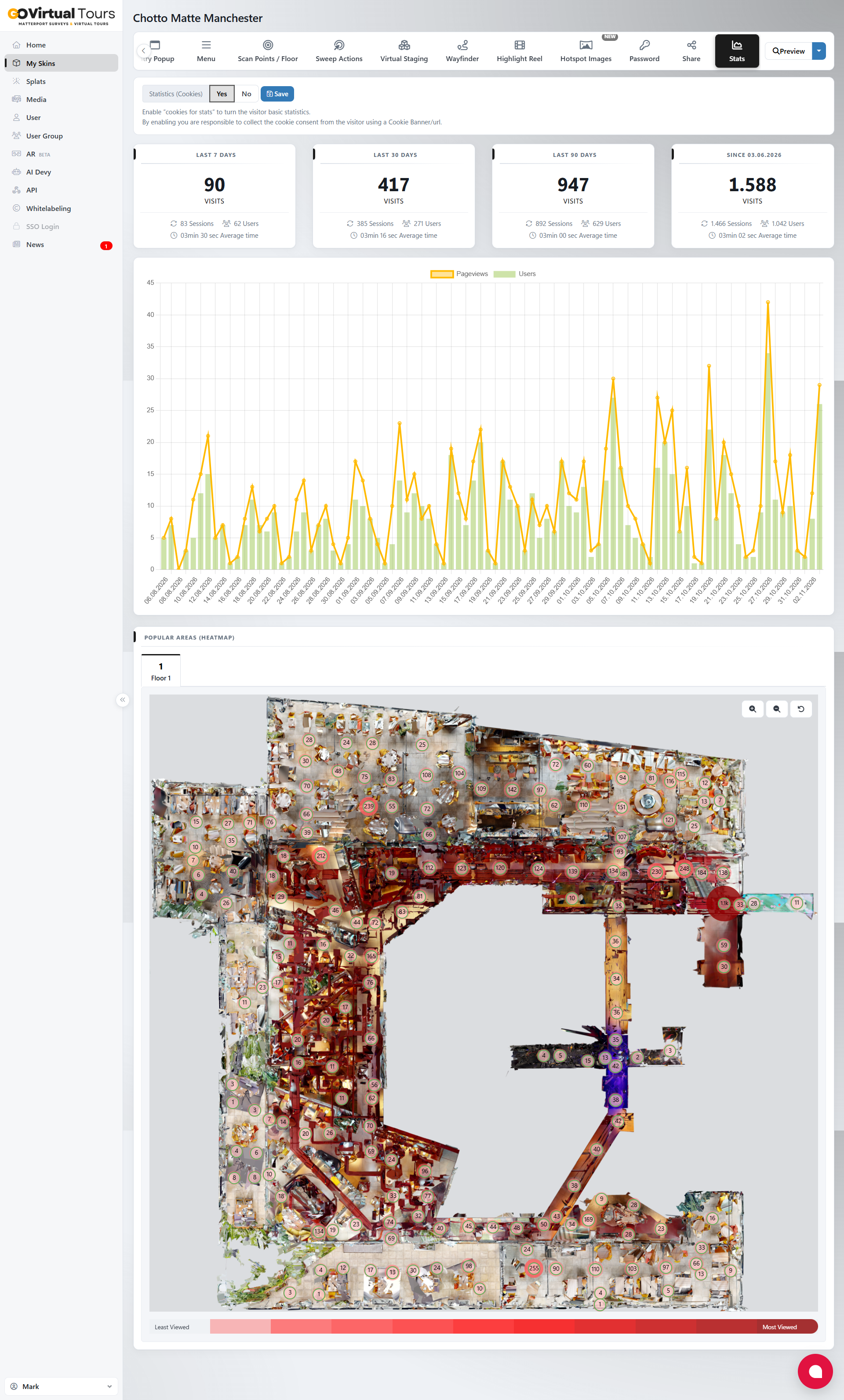
Review tour statistics and heatmaps to understand viewing activity and which areas receive more attention.
Use these insights to review your navigation and content alongside your wider website and enquiry reporting.
Add supported digital furniture and 3D assets within the enhanced tour to illustrate a potential arrangement.
This can help introduce an unfurnished area or explain an idea during a property presentation.
Agree the staging brief. Asset availability, any licensed content and staging work are confirmed separately. Staged views are illustrative and should be clearly identified as digitally enhanced.
Both options are hosted and managed by GO Virtual Tours. You do not need your own Matterport subscription.
Suitable for a straightforward presentation of the captured space.
Added to Standard hosting.
A tour using one hosting space costs £22 + VAT per month with Premium.
Your quotation confirms the full package. Capture, initial setup, avatar production, video editing, voiceovers, staging assets and content changes carried out by our team are scoped separately. Larger models and experiences containing several tours may require additional hosting.
Matterport provides the underlying captured model and walkthrough. Premium adds an overlay with additional presentation, content and reporting tools through a separate client dashboard.
Yes. Dashboard access lets your team manage supported features within your package. We provide guidance on the agreed tools during handover.
The upgrade provides access to the enhanced platform. Creating and placing an avatar, producing narration or editing video is agreed separately in your project quotation.
Yes. Send your logo, approved media and content requirements so we can check suitable formats and agree the initial setup.
Tour statistics help explain viewing activity. They do not automatically prove bookings or sales. Review them alongside your website analytics and enquiry reporting.
Send us the tour details. We can review access and compatibility, then quote for the enhanced setup and ongoing hosting.
Subject to the agreed hosting terms, the underlying Matterport tour can remain available through Standard hosting. The Premium presentation and dashboard features would no longer be available.
Tell us what visitors should discover and we will help you choose the right features.